

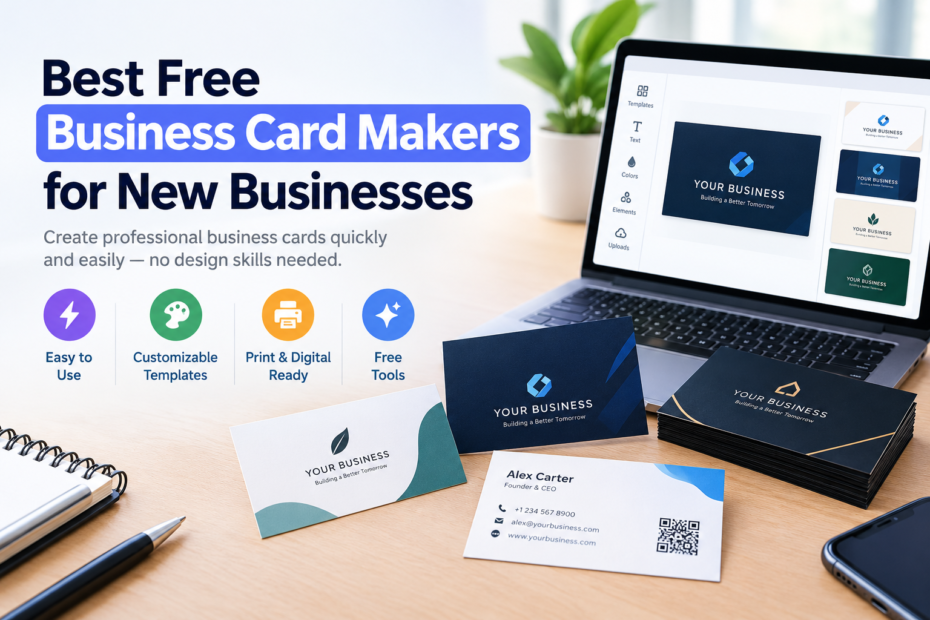
Starting a new business comes with a long list of things to figure out, and business cards usually get pushed to the side. But when you actually need one, whether it’s for a meeting, a client call, or a random networking opportunity, not having something ready can feel like a missed chance.
The good news is you don’t need to hire a designer or spend hours figuring it out. Free business card makers have made it much easier to create something clean, professional, and ready to share in just a few minutes.
That said, not all tools are built the same. So instead of leaving you to figure it out on your own, we’ve done the work for you!
We tested ten business card makers designed for new businesses, and in this guide, we’ll break down what each one does best so you can find the right fit quickly.
Quick Verdict
- Best overall – Design.com: A strong all-in-one option that makes it easy to create a business card and extend it into a full brand identity. Great balance of speed, customization, and branding tools.
- Best for polished templates – BrandCrowd: Ideal if you want professionally designed business cards that already look clean and require minimal editing.
- Best for flexibility – Canva: A beginner-friendly option with a large template library and simple editing tools, giving you more control over your design.
- Best for simple, clean designs – Adobe Express: Good for users who want professional-looking cards without overcomplicating the design process.
- Best for digital business cards – HiHello: A practical choice if you prefer shareable, digital-first business cards instead of printed ones.
How We Tested These Tools
We didn’t just list tools based on features or popularity. We actually looked at how they perform in real use for new businesses that need a business card quickly and without complications.
- Ease of use: how quickly a beginner can go from idea to finished business card without confusion or a learning curve
- AI capabilities: how well the tool generates, suggests, or improves business card designs automatically
- Template and design variety: how wide and relevant the available styles are across different industries and branding needs
- Customization flexibility: how much control users have over fonts, colors, layouts, and branding elements
- Output and usability: how easy it is to export, share, or use the final design for digital and print purposes
Quick Comparison Table
Check out these table below for a quick comparison of the tools:
| # | Tool | Best For | Key Strengths | Rating |
| 1 | Design.com | Full branding + AI design | AI generation, deep customization, full brand system | 10/10 |
| 2 | BrandCrowd | Polished templates | Professional templates, quick editing, consistent quality | 9.8/10 |
| 3 | Canva | Flexible design control | Huge template library, easy editing, beginner-friendly | 9.5/10 |
| 4 | Adobe Express | Clean professional cards | Simple tools, polished templates, fast results | 9.2/10 |
| 5 | HiHello | Digital networking | QR sharing, instant digital cards, contact management | 9.0/10 |
| 6 | Shopify | E-commerce users | Simple generator, connects with store branding | 8.8/10 |
| 7 | VistaPrint | Printed business cards | High-quality printing, reliable physical delivery | 8.7/10 |
| 8 | Blinq | Quick digital sharing | Fast setup, mobile-friendly cards, easy updates | 8.6/10 |
| 9 | Popl | NFC networking | Tap-to-share cards, modern networking tools | 8.5/10 |
| 10 | Moo | Premium print cards | High-end print quality, premium finishes, strong design feel | 8.4/10 |
1. Design.com

Best for: New businesses that want a fast, AI-powered business card with full branding support
Rating: 10/10
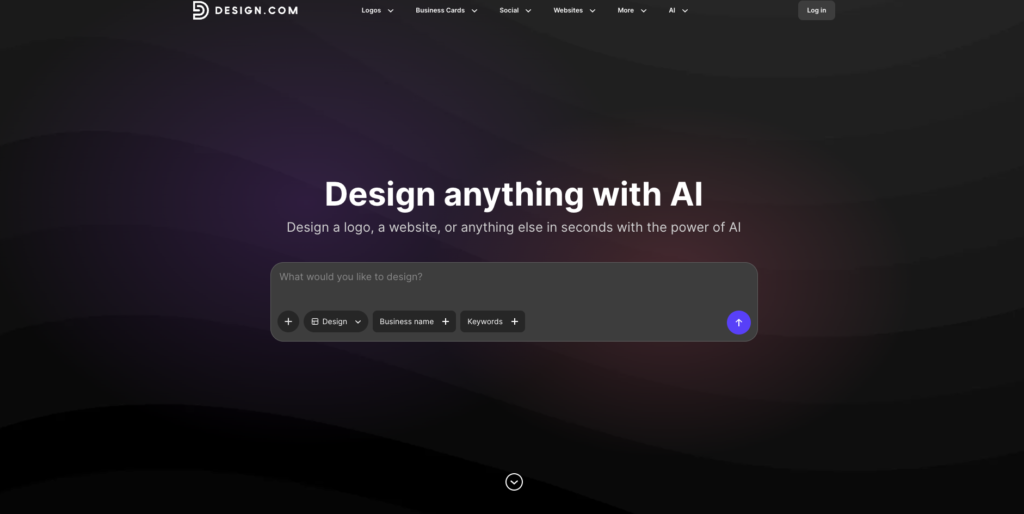
We found Design.com’s business card maker to be one of the easiest ways to create a business card without overthinking it. Instead of starting from scratch, we just entered a business name and a few keywords, and it instantly gave us multiple design options to work with.
The process feels quick, but not limiting. We could start with a solid design, then adjust it so it actually matched the brand we had in mind.
AI-Driven Card Creation
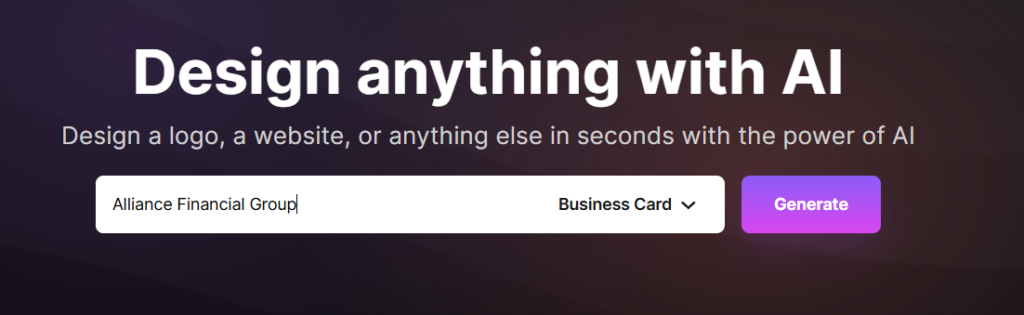

We didn’t have to deal with a blank canvas. The AI generated business card designs right away based on what we typed in. In this case, we typed in a made-up business name and asked AI to generate business cards for us, and it did not disappoint!

It even asked us to input keywords to tailor the results closer to what we’re really looking for. See the sample results below:
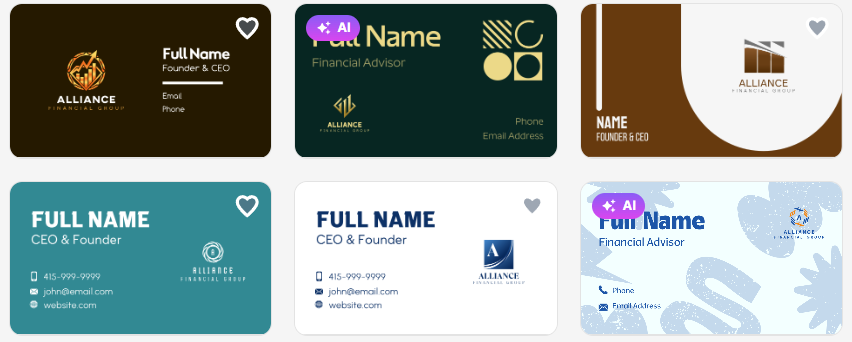

and more:
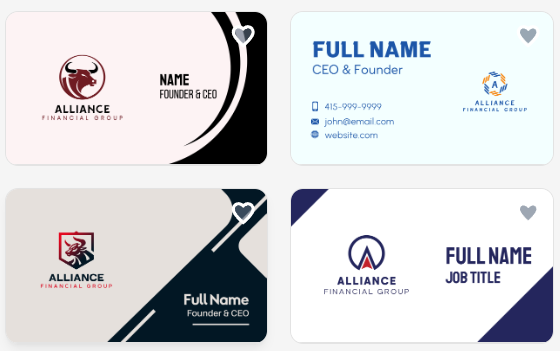

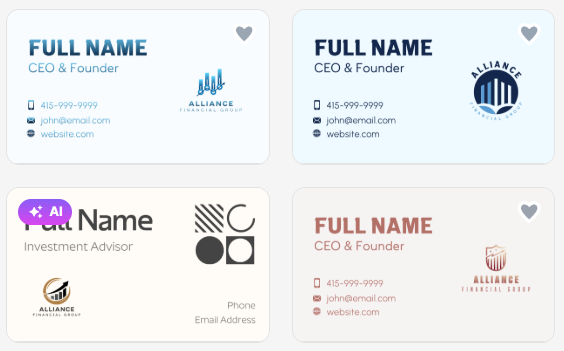
When something didn’t feel right, we just changed the keywords and got new options. That made it easy to explore different styles without restarting. We changed the keyword to: investment.


And got totally different results:

Full Customization and Branding
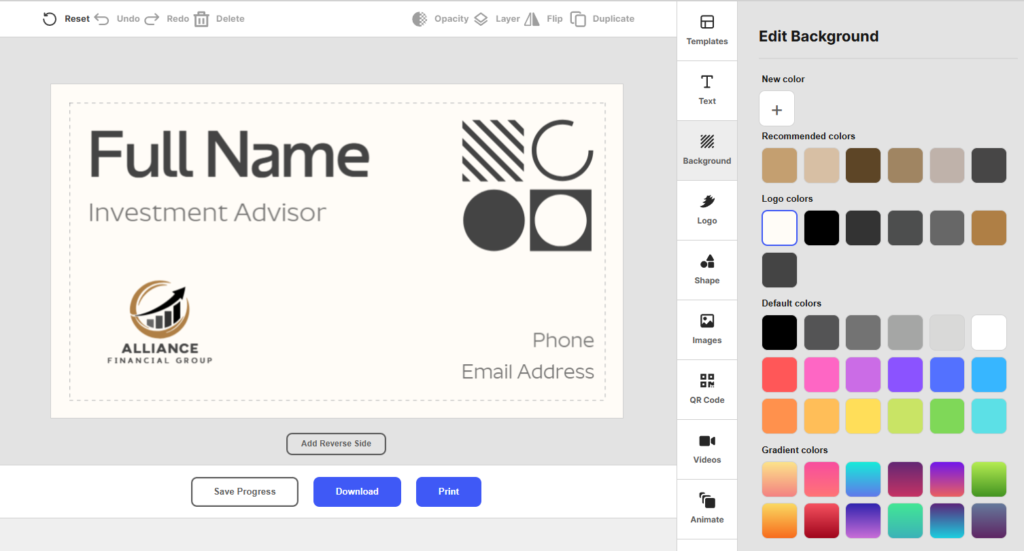

Once we picked a design, we could edit everything. Fonts, colors, layouts, and icons were all easy to adjust.
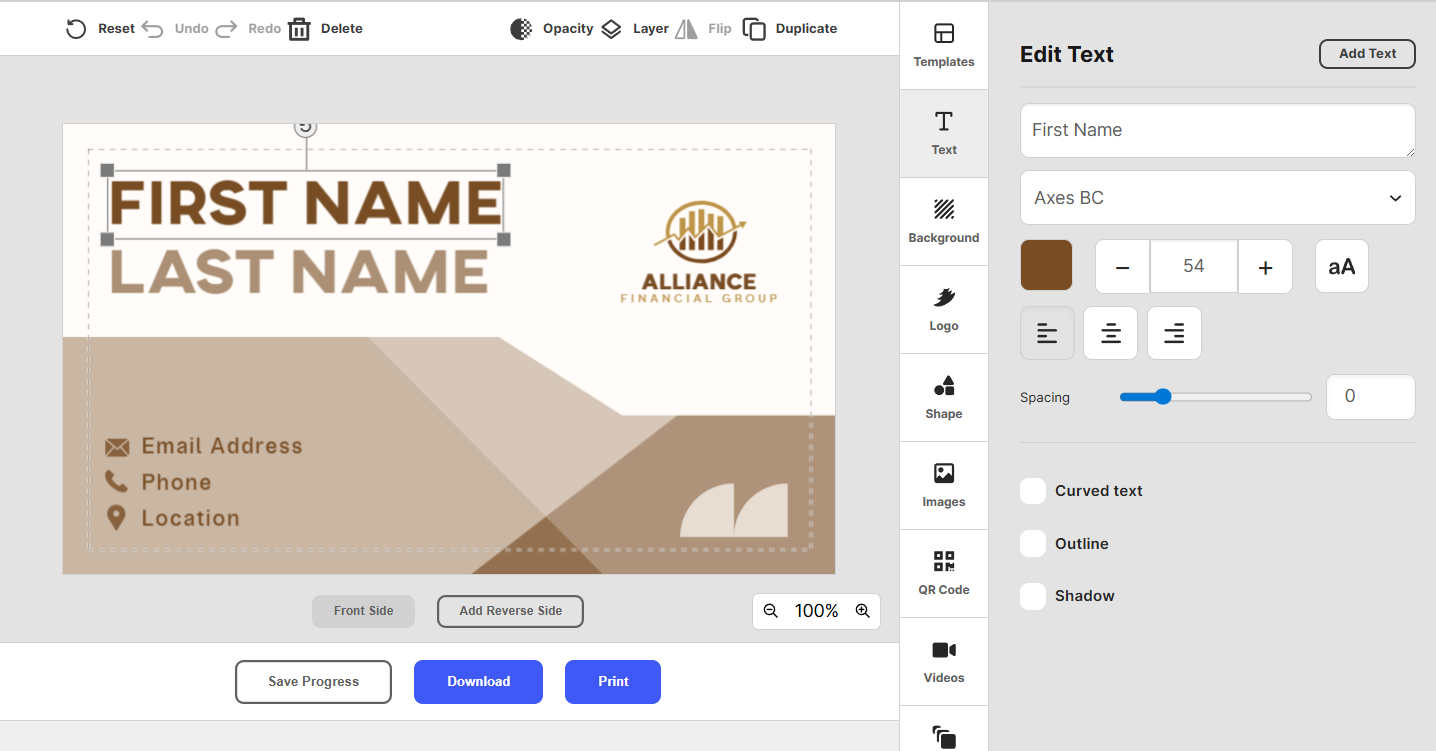

There’s a large library of fonts and shapes, so we had enough flexibility to make the card feel unique without needing design skills.
Interactive and Shareable Cards
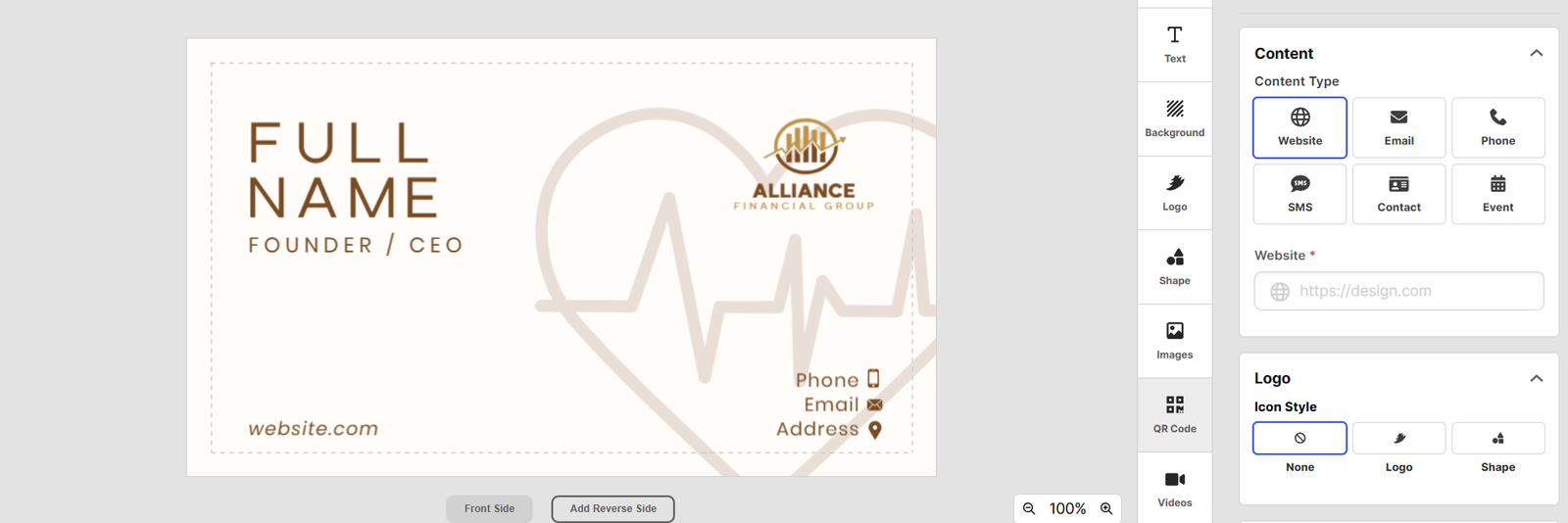

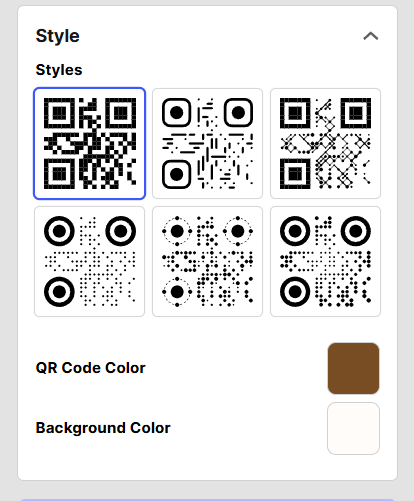
We could add links, contact details, and QR codes, which made the card more useful than just a static design.

Sharing was simple too. We could send it digitally or prepare it for print depending on what we needed.
Built for Ongoing Use
We liked that the card isn’t locked once it’s done. We could go back anytime and update details without starting over.
It also connects with other tools, so the design stays consistent with logos and other brand assets.
Pros
- Very fast setup with AI-generated design options
- Strong customization across fonts, colors, and layout
- Huge library of templates and design assets
- Easy to refine and iterate designs quickly
- Supports full brand consistency across other tools
- Works well for beginners with no design experience
- Can be updated anytime without starting over
- Strong all-in-one branding system
Cons
- We did not find any drawbacks during testing
Pricing
- Free to use
- Starts from $3/month (annual billing) or $9/month (monthly plan)
Verdict: We think Design.com is the strongest overall option. It’s fast, flexible, and makes it easy to create a business card that actually fits your brand.
2. BrandCrowd

Best for: New businesses that want polished, ready-made business card designs
Rating: 9.8/10
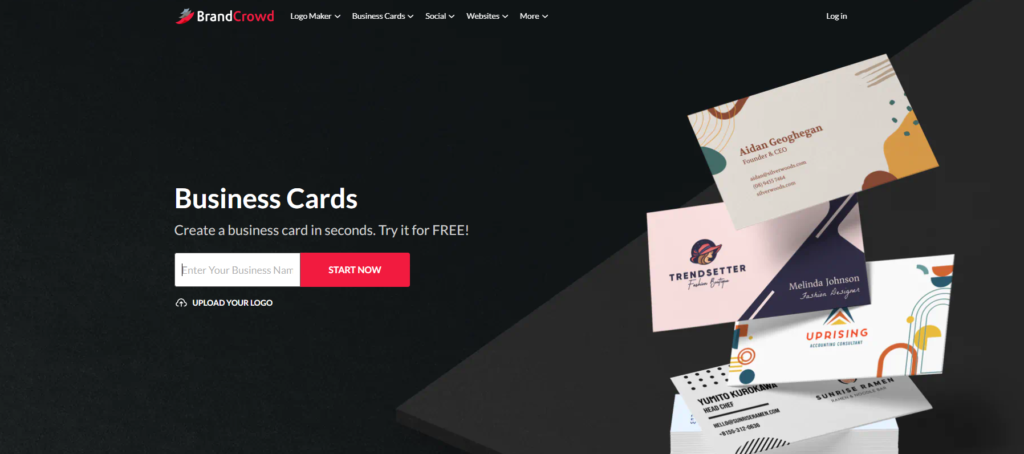
When testing BrandCrowd, we discovered it to be more focused on giving you clean, professional business card designs right away. Instead of generating random layouts, it shows you templates that already look well-designed, then lets you customize them.
This made the process feel more guided. We didn’t have to fix a bad starting point, just refine something that already worked.
Template-Based Starting Point


We started by entering a business name or keywords, and BrandCrowd showed us a range of relevant business card designs.
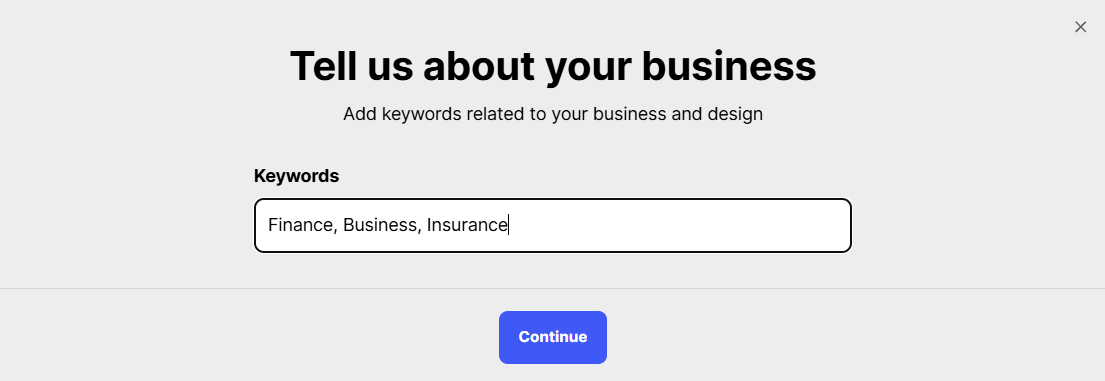

See the sample results here:
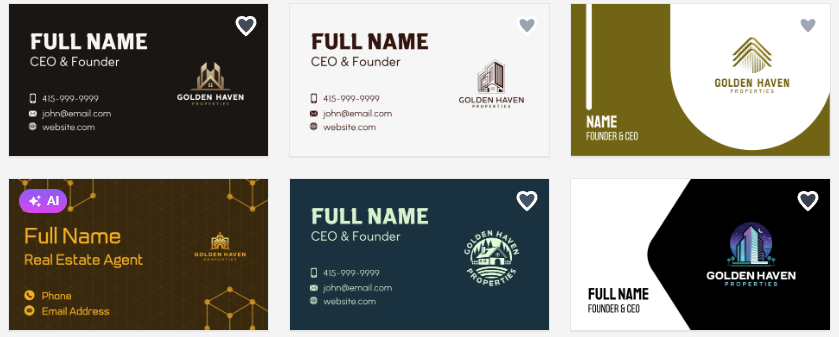

Most of them already looked polished, so it didn’t take much effort to get something usable.
Easy Customization
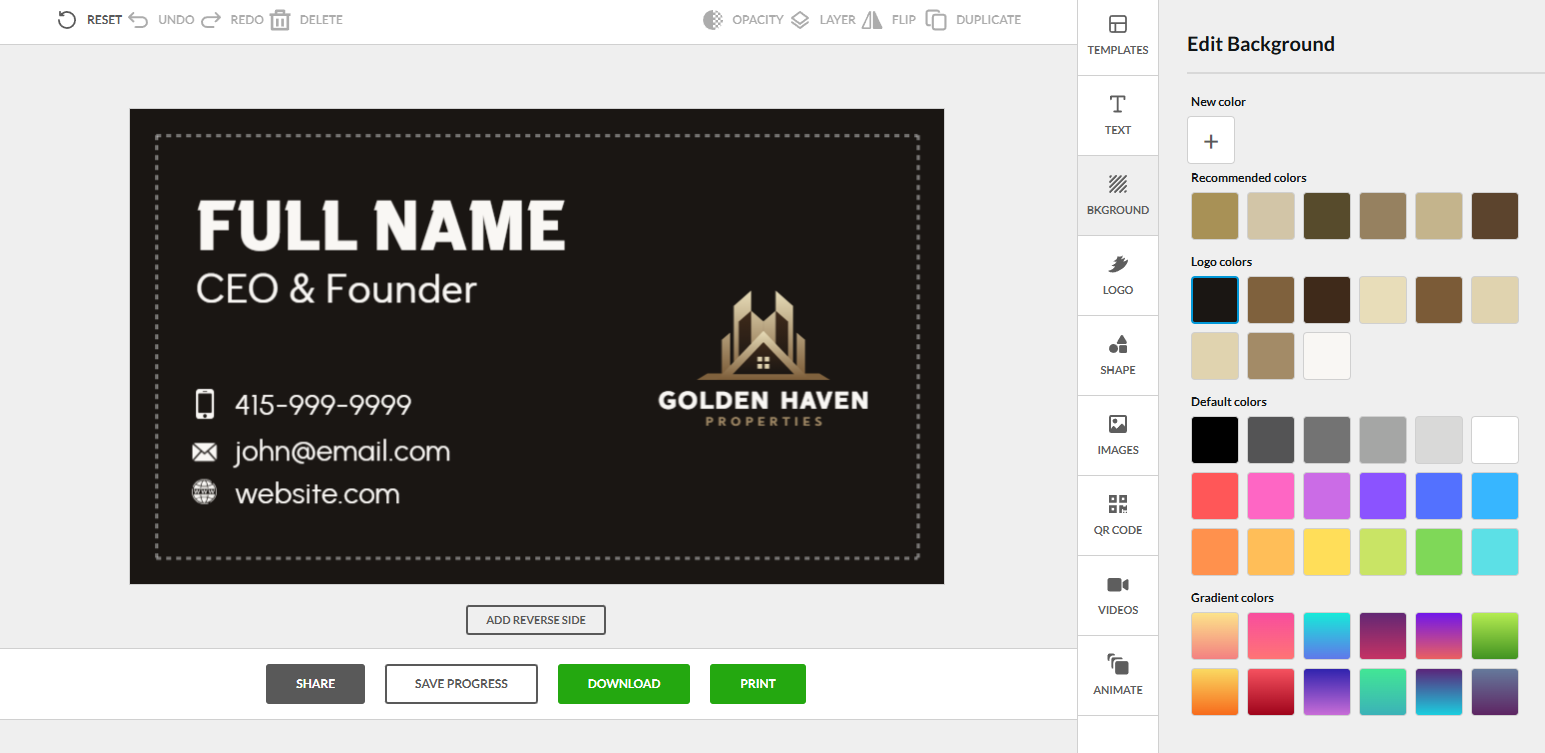

Once we chose a design, we could quickly adjust colors, fonts, and layout. The editor is simple, so we didn’t have to spend time figuring out how to use it.
Built for Brand Consistency
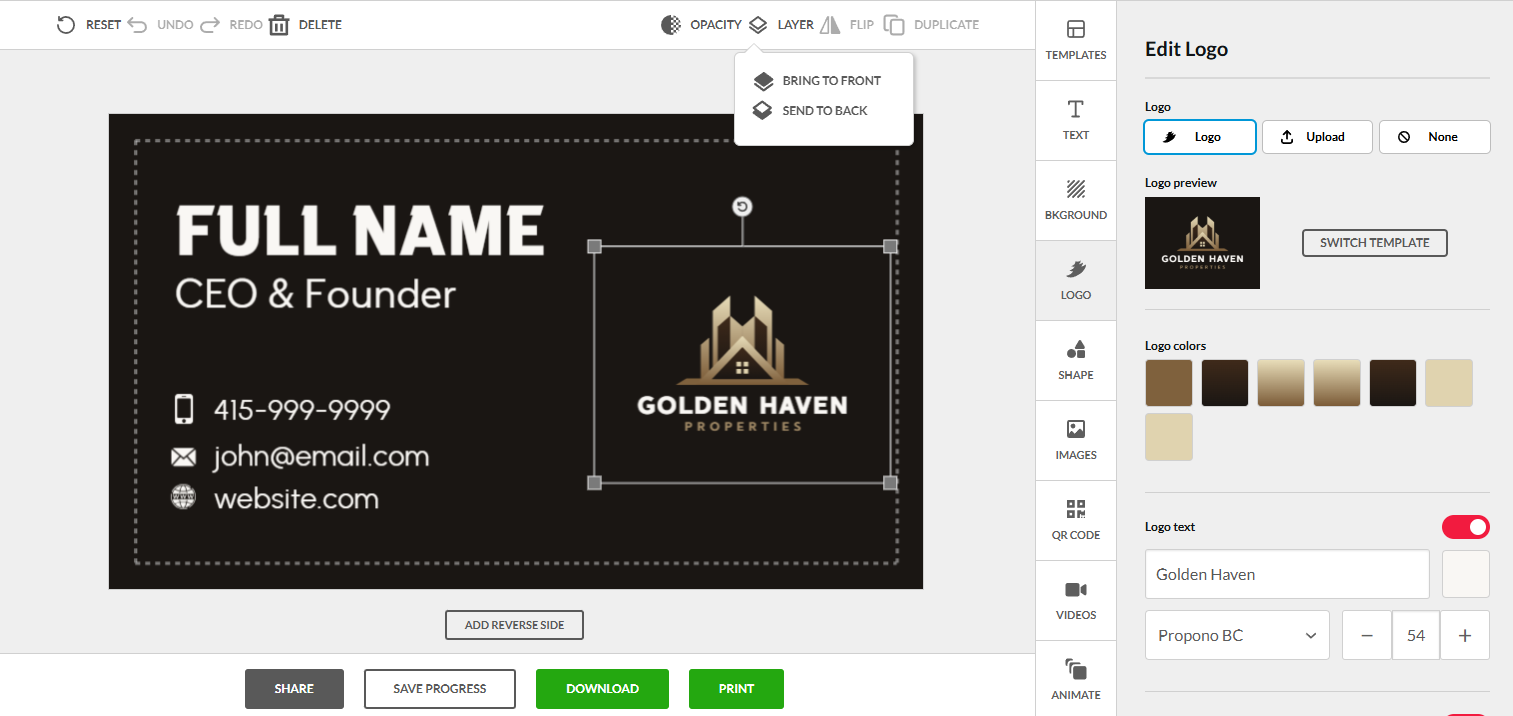

We could upload a logo and apply brand colors, which helped keep everything consistent.
This is useful if you want your business card to match your other branding.
Flexible Output Options
After finishing the design, we could download it in formats that work for both digital use and printing.
That made it easy to use the same design across different situations.
Pros
- Professionally designed templates from the start
- Easy customization of fonts, colors, and layout
- Large library of design options
- Clean, consistent visual quality
- Good for quick, polished results
- Strong branding consistency options
- Simple editing process
Cons
- Web-based only (no offline editor)
Pricing
- Free to use
- Starts from around $9–$15/month
Verdict: We think BrandCrowd is a great option if you want something that already looks professional. It’s simple, reliable, and doesn’t require much effort to get a good result.
3. Canva
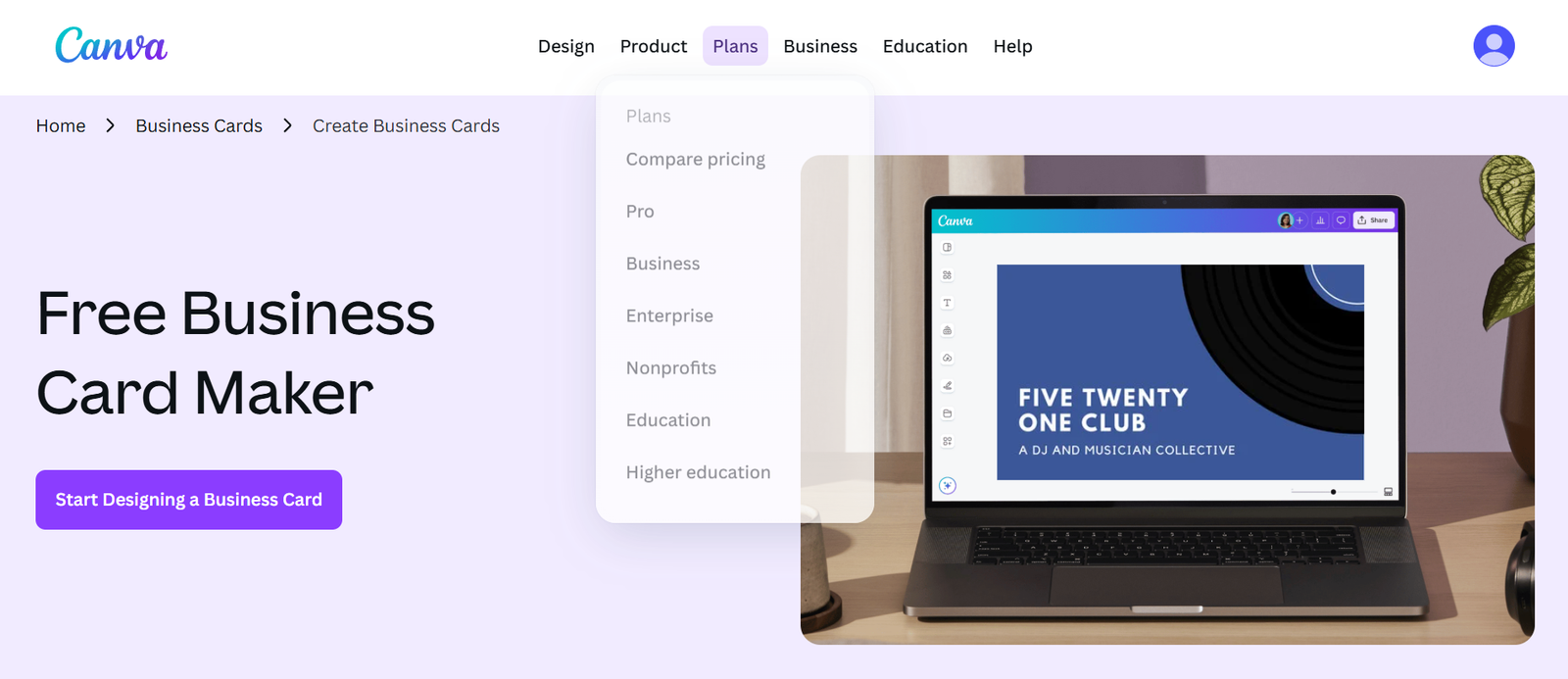

Best for: New businesses that want flexibility with simple editing
Rating: 9.5/10
Canva makes it easy to build a business card without needing any design background. Most of the time, we just start with a template and adjust it until it fits the brand.
There’s a good balance here between control and simplicity, which makes it a reliable option for beginners.
Templates and Layouts
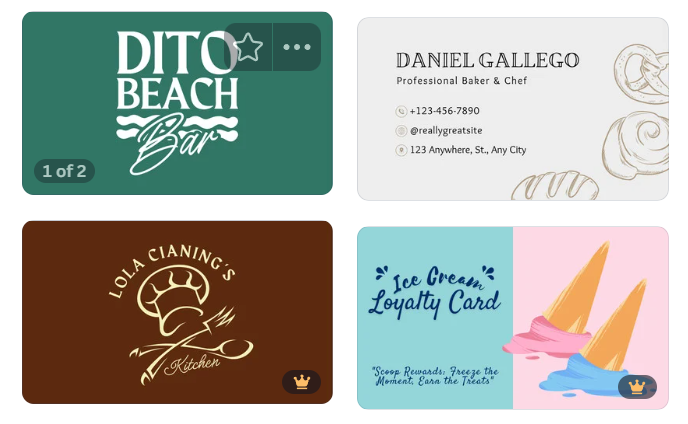

A wide range of templates is available, covering minimal, modern, and more creative styles.
This makes it easy to find a starting point that already feels close to what we want.
Simple Drag-and-Drop Editing
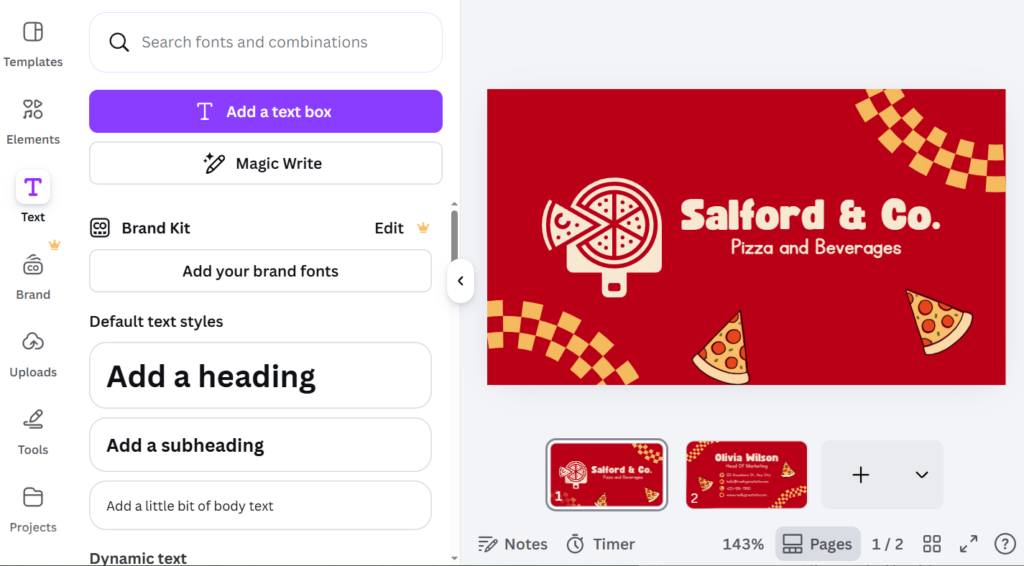

Elements like text, icons, and images can be moved around freely.
This helps us test different layouts quickly without getting stuck.
Branding and Custom Elements
Logos, brand colors, and QR codes can be added without effort.
This keeps the design consistent with the rest of the brand.
Pros
- Huge variety of templates
- Very easy drag-and-drop editing
- Strong branding tools (logos, colors, QR codes)
- Good balance of control and simplicity
Cons
- Many premium features locked behind paid plan
- Some templates are overused
- Limited advanced design control
- Can feel cluttered with too many options
- Not fully AI-driven
Pricing
- Free plan available
- Canva Pro starts at around $12.99/month or $119.99/year
Verdict: Canva is a strong choice when flexibility matters. It’s simple, fast, and gives enough control to shape the design your way.
4. Adobe Express

Best for: New businesses that want clean, professional-looking cards
Rating: 9.2/10
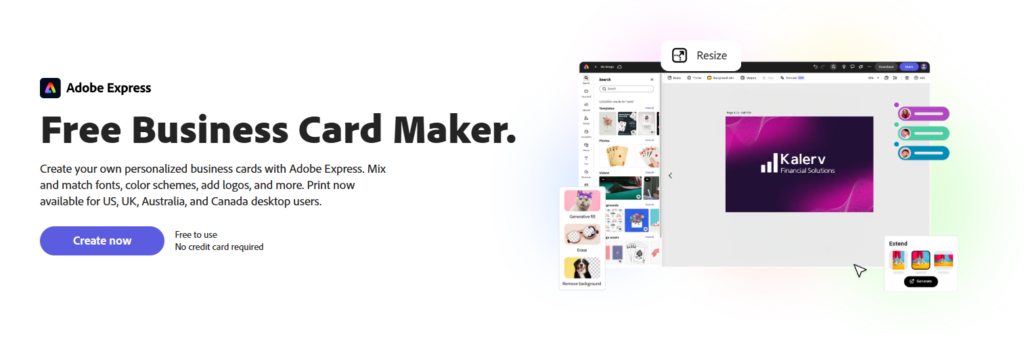
Adobe Express focuses on simplicity and clean design. It helps you create a business card that already looks polished from the start, which reduces the need for heavy editing or design decisions.
It’s a strong option when you want something professional without spending too much time fine-tuning every detail.
Ready-Made Templates


The platform offers templates that are already well-structured and visually balanced.
This helps speed up the process since most of the design work is already handled.
Simple Editing Tools
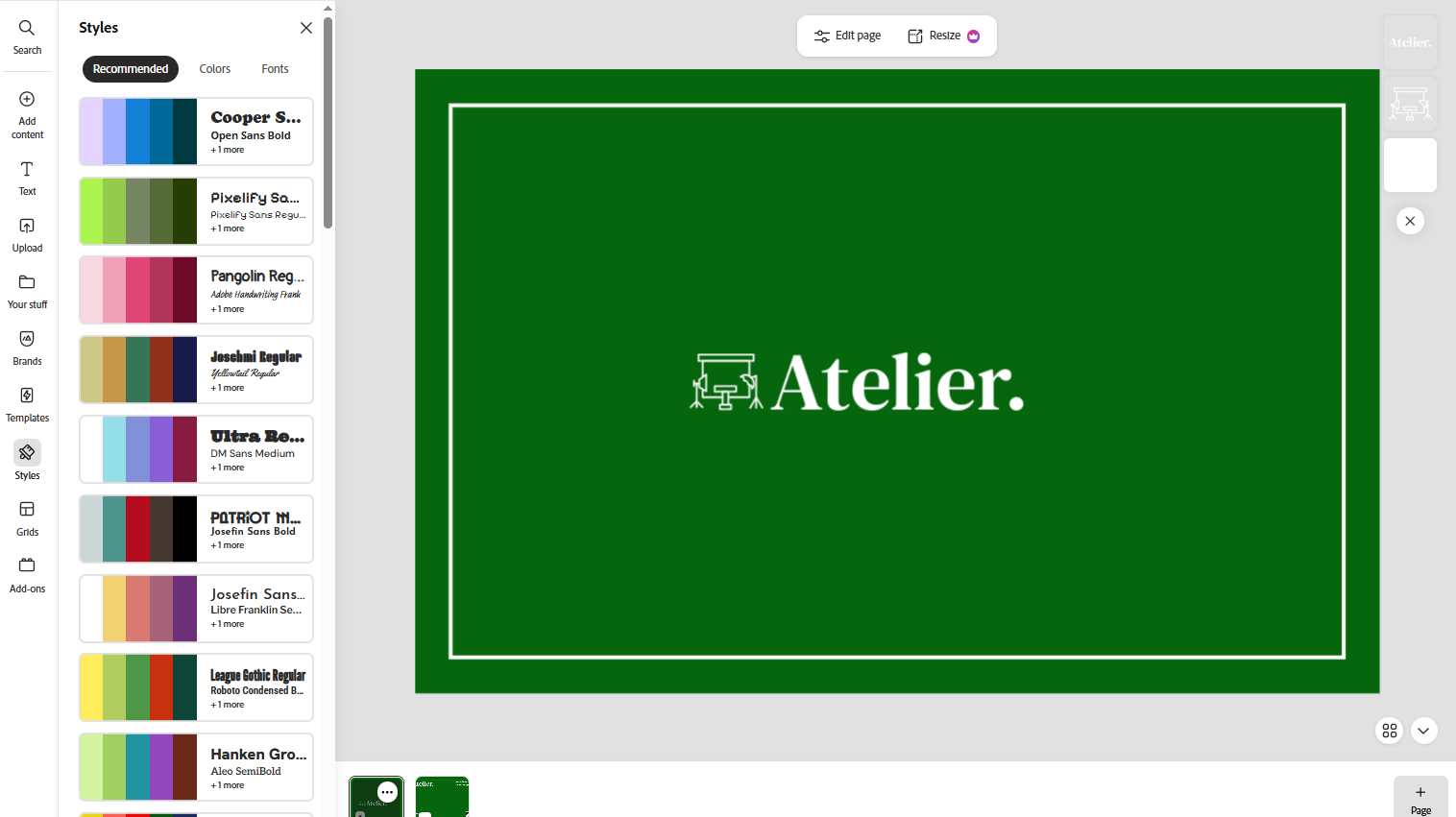

Editing text, colors, and images is straightforward and doesn’t require design knowledge.
The interface is built to keep things simple and quick.
Branding Support
You can easily add your logo and adjust colors to match your brand identity.
This helps ensure consistency across your business materials.
Pros
- Clean, professional templates
- Easy editing for beginners
- Strong brand consistency support
- Fast design process
Cons
- Limited deep customization
- Fewer template variations compared to competitors
- Some features require paid plan
- Less creative flexibility
- Not as advanced for branding systems
Pricing
- Free plan available
- Premium starts at around $9.99/month or included in Creative Cloud bundles depending on subscription
Verdict: Adobe Express is ideal for users who want clean, professional results with minimal effort. It keeps things simple while still producing a solid final design.
5. HiHello

Best for: New businesses that want digital-first business cards
Rating: 9.0/10
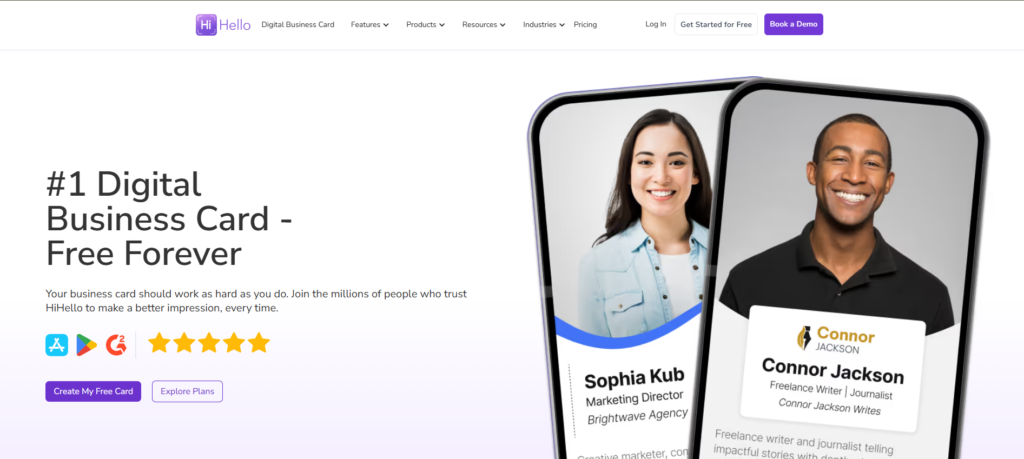
HiHello is built around digital networking rather than traditional print design. Instead of focusing on visuals, it prioritizes how easily you can share your contact information in real time.
It’s especially useful when you’re meeting people often and need something quick and accessible.
Digital Card Creation
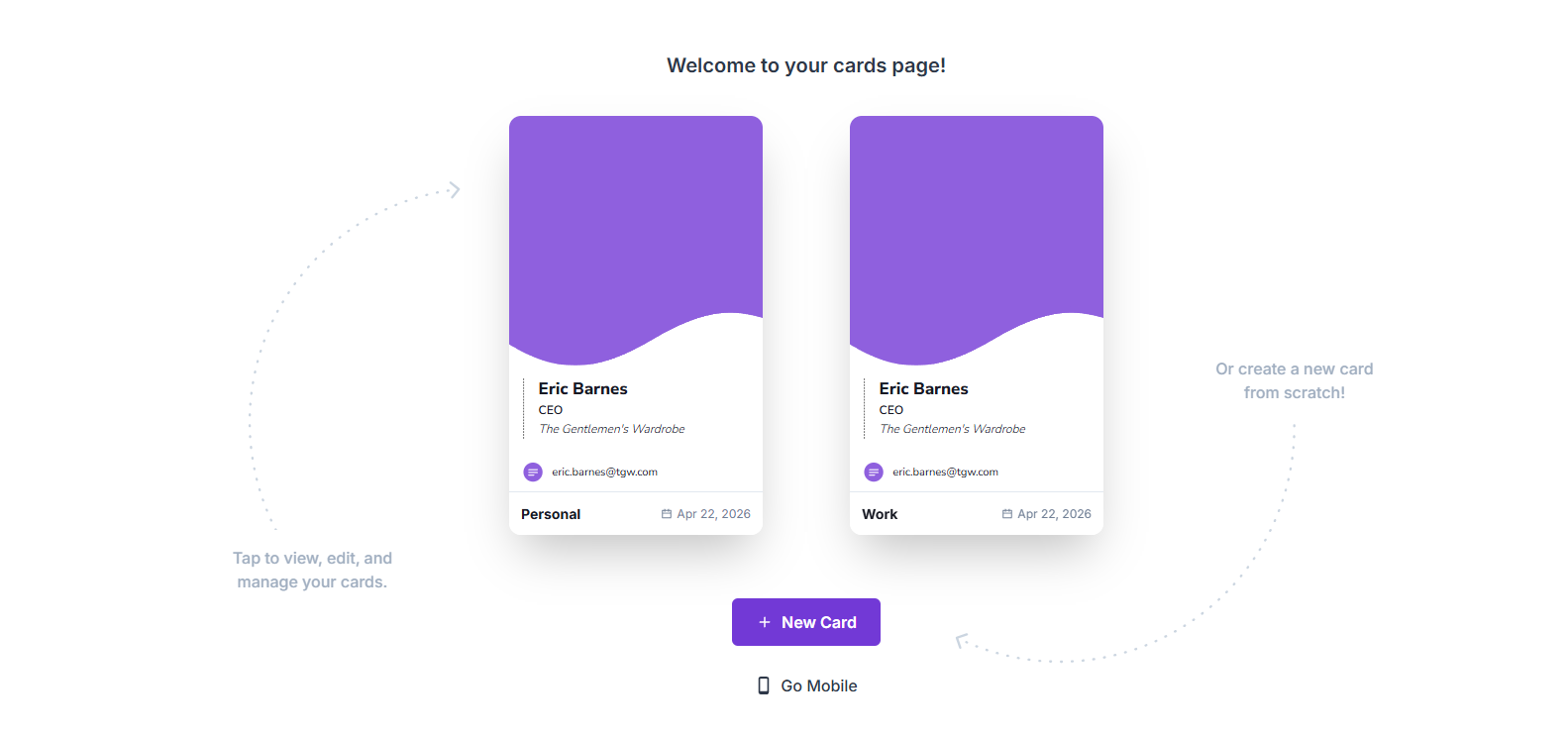

Creating a card is very straightforward. You just add your basic details like name, role, and contact information.
The setup process is fast, making it easy to get started even if you’re not familiar with design tools.
Easy Sharing Options
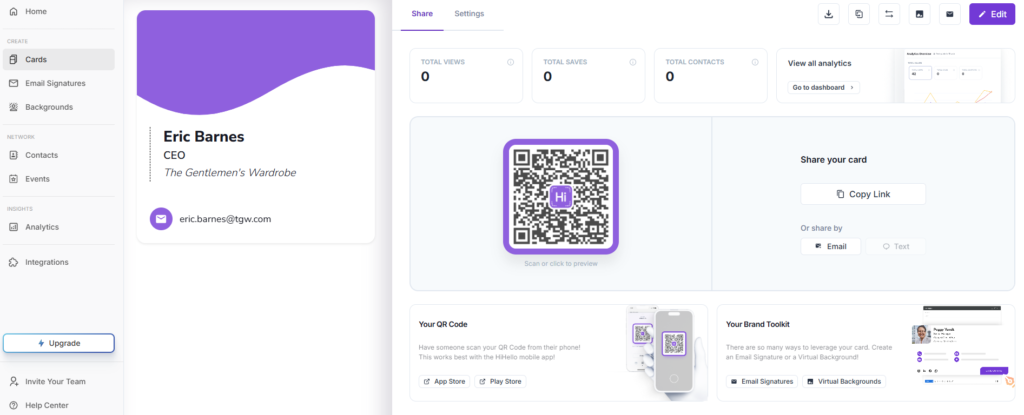

Cards can be shared instantly using links or QR codes.
This makes it practical for networking events, meetings, or casual introductions.
Contact Management
You can save and organize the people you connect with through the platform.
This helps keep your contacts in one place instead of scattered across notes or apps.
Pros
- Very fast setup
- Easy digital sharing via link or QR code
- Clean, mobile-friendly design
- Good contact management system
Cons
- Limited design customization
- Not focused on print business cards
- Basic visual design options
- Less branding flexibility
- Depends on digital use only
Pricing
- Free plan available
- Professional plan starts at around $8/month per user
- Business plan starts at around $6/user/month (team pricing)
Verdict: HiHello is best for simple, digital networking. It’s not focused on design complexity, but it does the job well when speed and convenience matter most.
Honorable Mentions
Here are a few other worthy business card makers worth considering.
6. Shopify
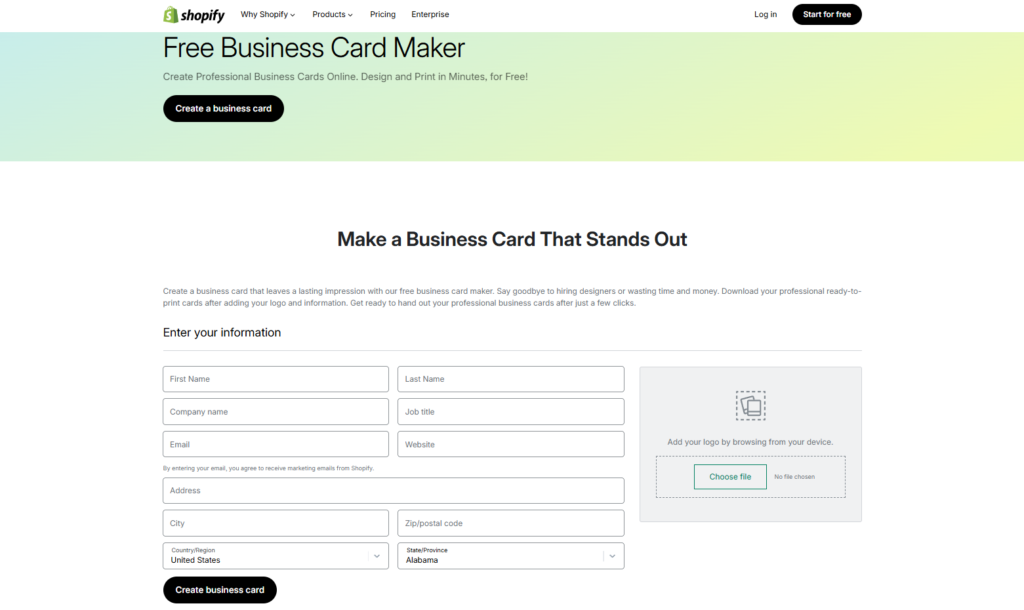

Shopify is mainly known as an e-commerce platform, but it also includes a simple business card generator that helps new businesses create quick, printable cards. You just enter your business details, and it generates a clean layout you can download or print instantly. It’s built for speed, so you won’t spend much time adjusting design elements.
This tool works best if you already use Shopify for your online store. Since everything is connected under one system, it becomes easy to keep your branding consistent across your website, products, and printed materials.
Pricing:
- Free business card generator tool available
- Shopify plans start from $29/month (Basic plan) for full platform use
- Higher plans go up to $79/month (Grow) and $299/month (Advanced)
- Business card tool itself is free, but Shopify store features require a paid plan
7. VistaPrint
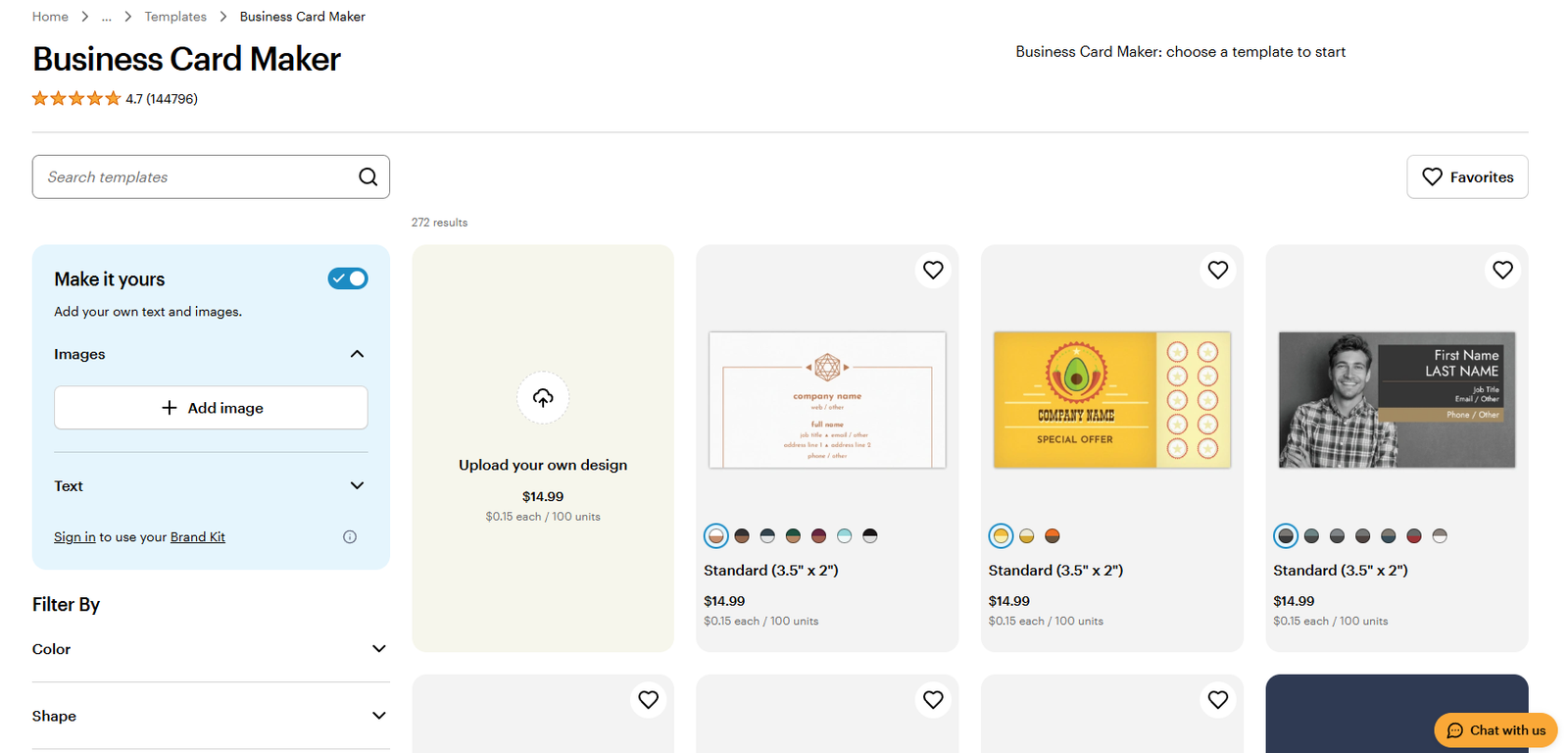

VistaPrint focuses more on printing than design, which makes it a strong option if you want physical business cards delivered to you. You can choose from ready-made templates, customize them lightly, and then order printed cards directly from the platform.
This tool is a practical choice for businesses that want something tangible without dealing with separate design and printing services. The trade-off is that design flexibility is more limited compared to modern online tools.
Pricing
- Business cards start from around $10–$20+ per set (entry-level print packs)
- Price increases depending on paper quality, quantity, and finish
- No monthly subscription (pay-per-order model)
- Premium designs and finishes can go significantly higher
8. Blinq
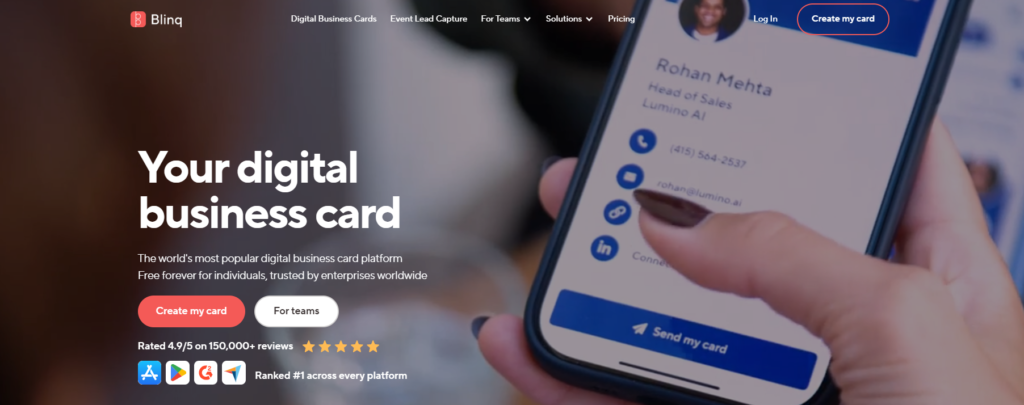

Blinq is built for digital business cards that are meant to be shared instantly. Instead of focusing on print, it lets you create a mobile-friendly card that you can send through links, QR codes, or even digital wallets.
It works especially well for networking situations where speed matters. You can update your details anytime, and the changes reflect automatically without needing to resend anything.
Pricing
- Free plan available (basic digital business card features)
- Pro plan starts at around $8/month per user
- Team/business plans typically start around $6–$10/user/month depending on features
9. Popl
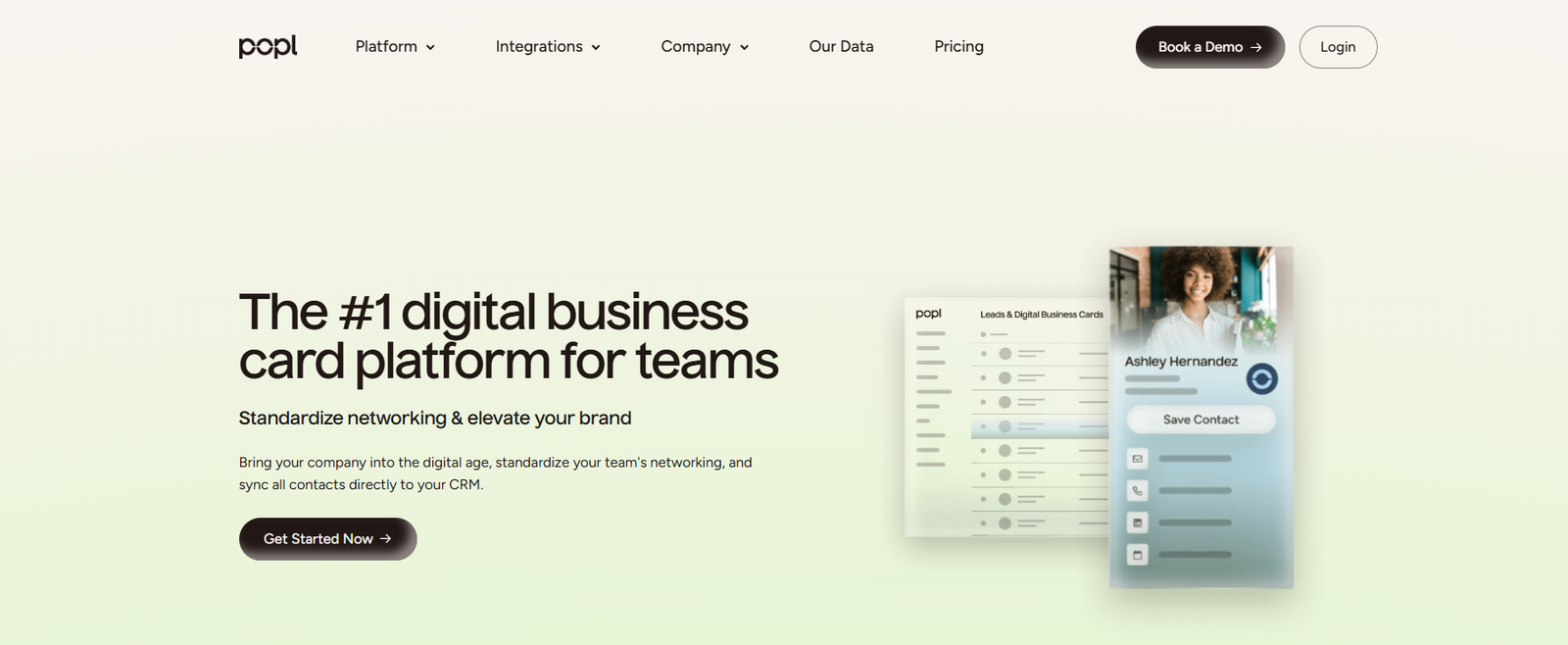

Popl is designed for fast, modern networking using both digital and NFC-based sharing. You can tap a device or use a QR code to instantly share your business card, making it useful for events and face-to-face meetings.
Popl also gives you a clean digital profile where you can include links, contact details, and social media. This makes it more than just a card, but a simple personal landing page for your business identity.
Pricing
- Free basic digital card available
- Pro plan starts at around $6.49–$7.99/month (billed annually depending on region)
- Higher tiers unlock NFC tools, analytics, and branding features
10. Moo
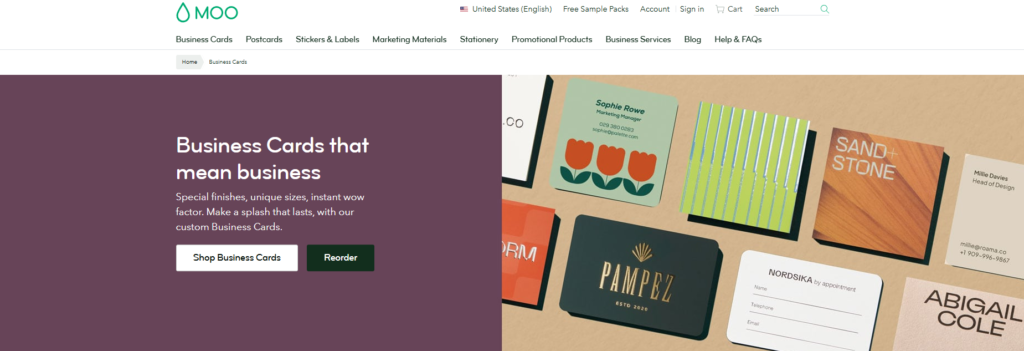

Moo is a premium-focused business card platform known for high-quality printed designs. You can choose from professionally made templates and customize them before ordering physical cards.
This is a strong choice if presentation matters a lot to your brand. The designs feel more polished and high-end compared to standard print services, but it’s more focused on physical cards rather than digital tools.
Pricing
- Business cards start from around $19–$29 per pack (basic range)
- Premium options (thicker stock, finishes) can go $30–$50+ per pack
- No subscription, pricing depends entirely on print quantity and customization
Conclusion
Choosing the right business card maker depends on how you plan to use it. Some tools are better for quick designs, while others help you build a consistent brand across multiple touchpoints.
For new businesses, the goal is simple: create something that looks professional and is ready when you need it. Design.com stands out here because it doesn’t just help you create a business card, it helps you build a full brand system around it.
Start with a tool that fits your workflow, keep your design clean, and focus on making it easy for people to remember and contact you.